
How to Merge PDFs Into One File on Any Device (Free)
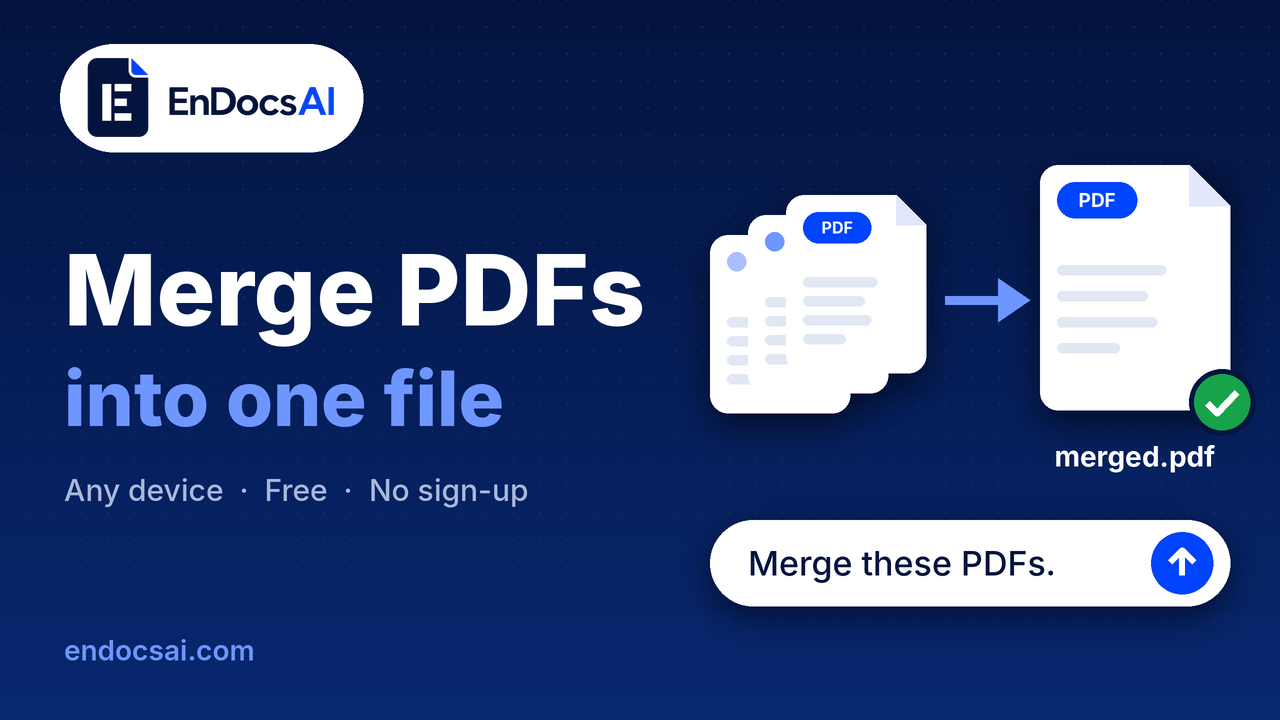
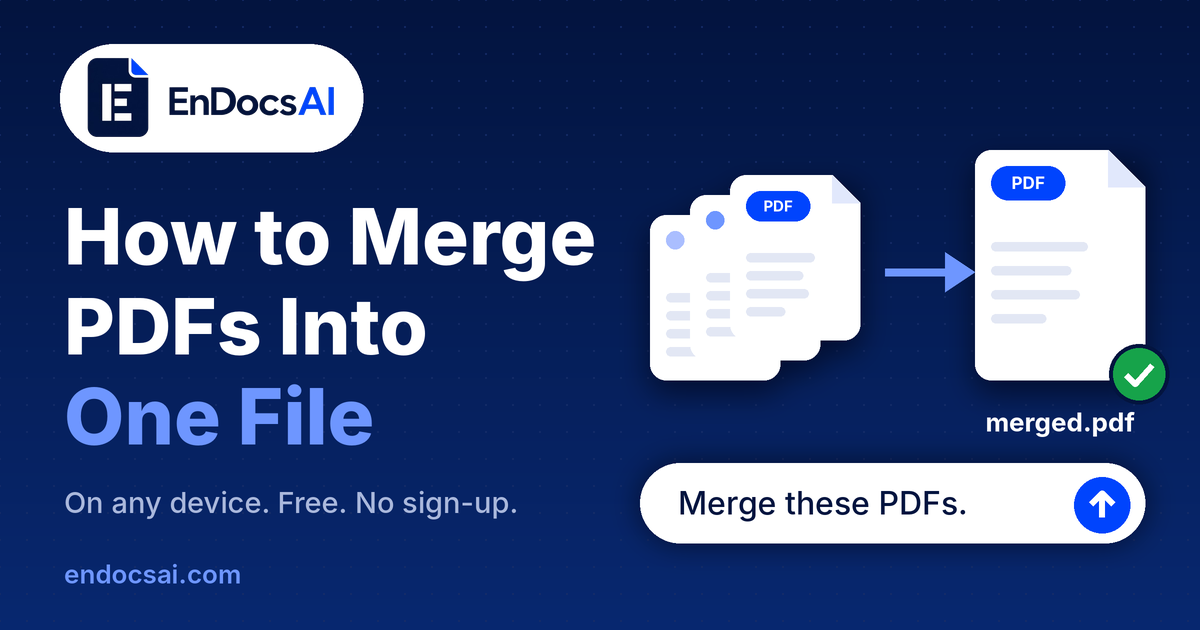
Merge PDFs into one file on any device in under a minute. Upload your files, type “Merge these PDFs,” and download. Free during the beta, no sign-up.
By EnDocs AIPublished 5 min read
How to Merge PDFs Into One File on Any Device
Merging PDFs takes under a minute, and you don't need to install anything. Combining several files into one is a daily task: a resume with certificates, a loan application with five scans, a report built from separate chapters.
EnDocs AI is a website, so the same steps work on Windows, Mac, Linux, Android, iPhone and iPad. It is free during the beta, you start as a guest with no account or password, and your files expire automatically after 60 minutes.
How to merge PDFs with EnDocs AI
Go to endocsai.com and choose Merge PDF in the top menu, or open endocsai.com/merge-pdf directly.
Add your files. Pick the PDFs from your device, or drag and drop them onto the upload area.
Type your instruction in the prompt box, for example "Merge these PDFs." If you don't give an order, the files are joined in the order you uploaded them.
Download the merged PDF and scroll through it once to confirm every page is there.
Prompts you can try
Merge these PDFs.
Merge all three files, with cover.pdf first and appendix.pdf last.
Take pages 1-3 of report.pdf and put them after cover.pdf.
The original pages are copied as they are, so text, images and layout are not re-compressed or changed.
Merging PDFs on laptop, Android, iPhone and iPad
The steps are the same everywhere because you use it in a browser. Only the way you pick files differs.
Windows, Mac or Linux: open endocsai.com in any current browser. Drag files from a folder onto the upload area, or use the file picker.
iPhone and iPad: open Safari or Chrome, tap the upload area, and choose your PDFs from the Files app.
Android: open Chrome, tap the upload area, and choose your PDFs from Downloads or another storage location.
PDFs that arrive by email or WhatsApp should be saved to your device first, so they show up in the file picker.
Five tips for a clean merged file
Name files in order. Start each name with 01, 02, 03 so the sequence is obvious and you can refer to files by name in your prompt.
Compress if the result is too big. Merged files add up fast, and many email services limit attachments to roughly 20-25 MB. Run the merged file through Compress PDF.
Locked files ask for the password. If a PDF is password-protected, the merge stops and asks for the password before any work begins.
Turn photos and scans into PDFs first. JPG, PNG, HEIC and other image formats can be converted to PDF, then merged like any other file.
Fix problems after merging. Use Organize PDF to reorder pages, Delete Pages to drop extras, and Rotate PDF for sideways scans.
Beta restrictions to know about
EnDocs AI is in beta, so these limits apply today:
25 MB per PDF. A file over that size can't be merged as it is.
Files expire after 60 minutes. You work in a guest session, and files are removed automatically about an hour after upload.
Merging is done by prompt. Order, cover pages and page picks are set in your instruction. With no instruction, files join in upload order.
Locked PDFs stop the merge. It stops and asks for the password before any work begins.
PDFs and images. The upload area accepts these two kinds of files.
Free during the beta. No sign-up is needed.
What happens to your files when you merge online
Merged files often hold sensitive pages such as ID scans, bank statements and signed contracts, so it is worth knowing where they go. With EnDocs AI your files stay private to your session and are deleted after 60 minutes.
That also means you should download the merged PDF before the hour is up, because after that it is gone. On a shared computer, save the file and close the browser tab when you finish.
Frequently asked questions
Is merging PDFs on EnDocs AI free? Yes. EnDocs AI is free during the beta.
Do I need an account? No. You start as a guest, with no account or password.
How long are my files kept? Files expire automatically after 60 minutes.
Is there a file size limit? Yes. During the beta each PDF can be up to 25 MB.
Can I choose the order of the files? Yes. Say the order in your prompt. If you don't, the files are joined in upload order.
Can I merge images with PDFs? Convert the images to PDF first (JPG, PNG, WebP, TIFF, BMP, HEIC and more are supported), then merge everything together.
What else can I do with my PDFs? EnDocs AI has 34 PDF tools, including split, compress, rotate, protect and convert, plus chat with PDF and a summarizer.
Try it now
Merge your PDFs in under a minute at endocsai.com/merge-pdf. Free during the beta, no sign-up.
Keep reading
5 min read
How to Compress a PDF and Reduce File Size
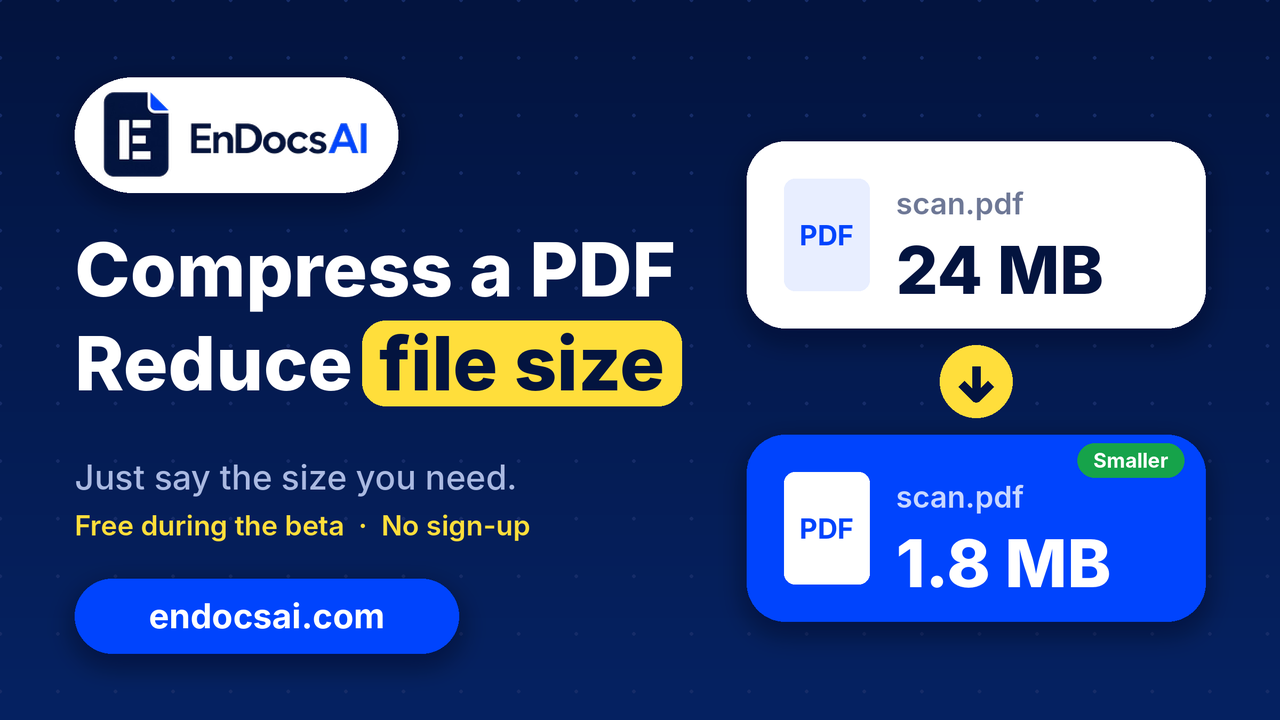
Reduce a PDF's file size with a simple prompt. Upload it, ask for a level or a target like "under 2 MB", and download. Free during the beta, no sign-up.
- compress PDF
- reduce PDF file size
- PDF tools
- EnDocs AI
- PDF compressor
- +3
Got a PDF to deal with?
Chat with it, summarize it or convert it. Free, no sign-up.