
- compress PDF
- reduce PDF file size
- PDF tools
- EnDocs AI
- PDF compressor
- free PDF tools
- file size
- document management
How to Compress a PDF and Reduce File Size
Reduce a PDF's file size with a simple prompt. Upload it, ask for a level or a target like "under 2 MB", and download. Free during the beta, no sign-up.
By EnDocs AIPublished 5 min read
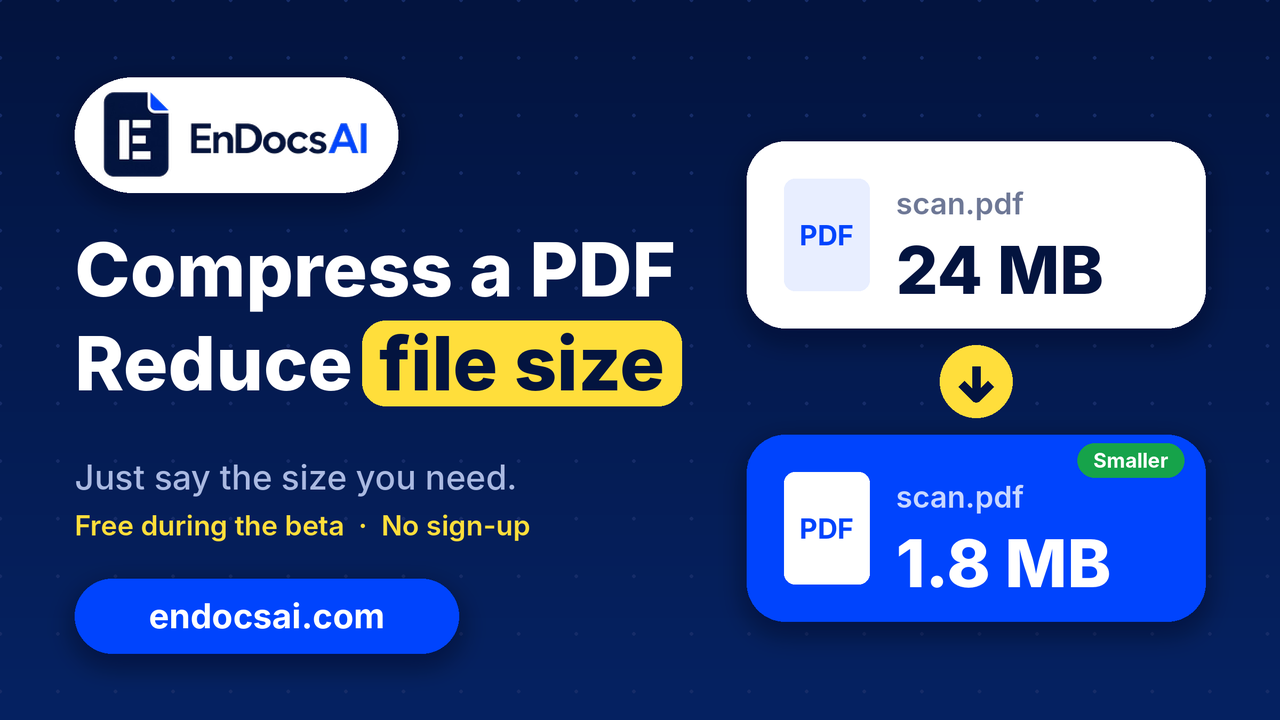
A PDF full of scans or photos is often too big to email or upload, and you can shrink it on EnDocs AI without creating an account.
Why PDFs get so big
Most of the weight in a PDF sits in its images. A scanned contract, a phone-photo receipt or a slide deck with large pictures can run to tens of megabytes, while a text-only PDF stays small. That is why a 20-page scan can be bigger than a 200-page report, and why it gets bounced by email limits and form uploads.
Compressing reduces the size of those images. This guide shows how to do it with the Compress PDF tool on EnDocs AI, what to expect from the result, and the limits you should know about during the beta.
How to compress a PDF on EnDocs AI
You tell EnDocs AI what you want in plain words, so there are no sliders or settings to hunt for.
Upload your PDF. Open the Compress PDF tool, then drop the file in the box or choose it from your device. No account is needed.
Say how small you want it. Type a level or a target size as a prompt. For example: "Compress this PDF so it is under 2 MB."
Download the result. The result shows how much space you saved. You can download it, or keep working on it in the same workspace.
Prompts that work
Keep quality high: Compress this PDF at high quality
A sensible default: Compress this PDF with the recommended level
The smallest file: Compress this PDF with maximum compression
A hard size ceiling: Compress this PDF so it is under 1 MB
The three levels are high quality, recommended and maximum. Start with recommended and use maximum only if the file is still too large. If you give an exact ceiling such as "under 1 MB", the tool lowers quality until the file fits, or tells you it can't.
Merge first, then compress
If you are combining several PDFs, merge them first and compress the single result, so the final file is optimized once.
What to expect, and the beta limits
Compress PDF is free during the beta. These are the limits and behaviors stated on the tool page.
One file at a time. You give it one PDF and get back one smaller PDF.
25 MB per file. That is the stated maximum for a single PDF.
Results vary. Scans shrink a lot, while text-only PDFs have little to remove.
Little or no saving. If the saving would be under about 2%, or the output would come out larger, you get your original file back with a message.
A target may not be reachable. If you ask for a size the file can't reach, the tool reports that it can't.
Files are temporary. Uploads are deleted automatically about 60 minutes after upload, when the guest session ends.
No sign-up. The tool runs in a guest session, and that session is the only identifier for your files.
What changes inside the PDF
Large images are downsampled and re-encoded at a set quality for the level you chose, and small images are left alone. Text and vector graphics are not turned into pictures. Links, bookmarks and form fields are preserved, and the page count is checked against the original.
What about privacy?
EnDocs AI replaces names, numbers, emails and addresses with placeholders before text reaches an AI model, then restores them in the reply. See our privacy-first approach for the details.
FAQ
How do I reduce the size of a PDF?
Upload the file, choose a level or a target size, and download the result. Images are optimized while text and layout are kept.
Will compressing make my PDF blurry?
Only large images are re-encoded, and text and vector graphics are not turned into pictures. If image quality matters, ask for high quality, or start with the recommended level before trying maximum.
Why did I get my original file back?
If the saving would be under about 2%, or the result would be larger than the original, EnDocs AI returns the original with a message. This is common with PDFs that are already optimized or contain mostly text.
What is the maximum file size?
25 MB per PDF during the beta.
Do I need to create an account or install anything?
No. Compress PDF runs in a guest session with no sign-up, and it is free during the beta.
How long are my files kept?
Files are deleted automatically about 60 minutes after upload.
Try it now
Got a PDF that is too big to send? Open Compress PDF on EnDocs AI, upload the file, and tell it the size you need. Looking for more? EnDocs AI has 34 PDF tools, including Merge PDF, Chat with PDF, Summarizer, Convert and Protect.
Keep reading
5 min read
How to Merge PDFs Into One File on Any Device (Free)
Merge PDFs into one file on any device in under a minute. Upload your files, type “Merge these PDFs,” and download. Free during the beta, no sign-up.
- Merge PDFs
- AI
- Privacy First
- Secure
- Multiple Operations
Got a PDF to deal with?
Chat with it, summarize it or convert it. Free, no sign-up.